RUFFLES & RIBBONS GIRLS' HOME
COLORING PICTURES
You may want to make and print out coloring pages with RUFFLES & RIBBONS GIRLS' HOME pictures. This you do by:
- Start by picking up FairyWand and learn to use IrfanView to make line drawings from images or one of the following: XnSketch and FotoSketcher or both. These are two specialized prgrams that turn images into line drawings that can be used to make pages to color. FotoSketcher is the more versatile one but XnSketch is quicker and does well enough. There is some question about the Apple version of XnSketch being bundled with Geneio which some say is stubborn malware but that has not been proven. Get the portable version of FotoSketch and you do not have an installer to put up with.To use The Windows version of XnSketch download the zip, extract and move to the appropriate Program Files folder
- then create a coloring page folder
- Then decide if you want a pre-made picture or one of your own choosing. If you choose the Do-it-Yourself, then open the link at the bottom of the page
- save the picutures and a link to the graphics program of your choice to the folder
- Activate the program and select the image by using the image-select feature
- Then select either line drawing or sketch
- Follow the instructions
- Print and color
NOTE: Some picutres, especially tiaras, do not make good images for coloring unless you know what you are doing
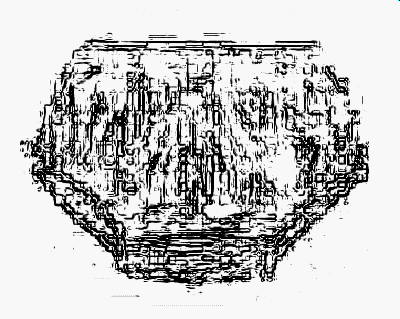
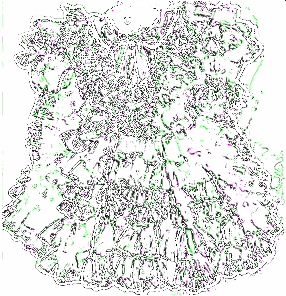
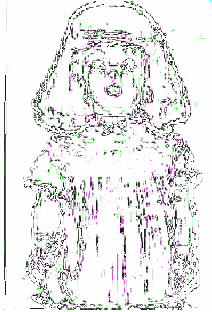
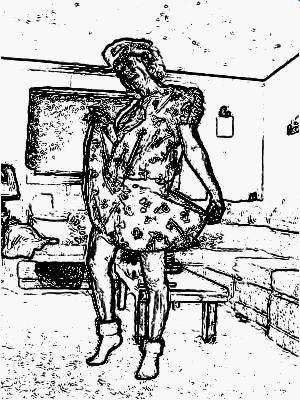
READY-MADE PICTURES TO COLOR: consider this a starter set
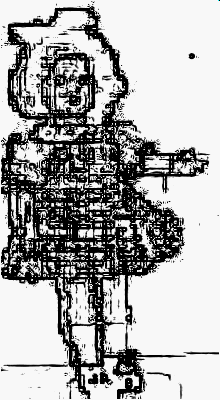
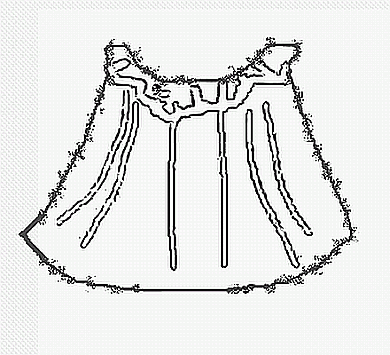
Click on the picutre to get the full-sized one, save it and print it.
A NOTE TO TEACHERS

 Get more picutres to work with HERE