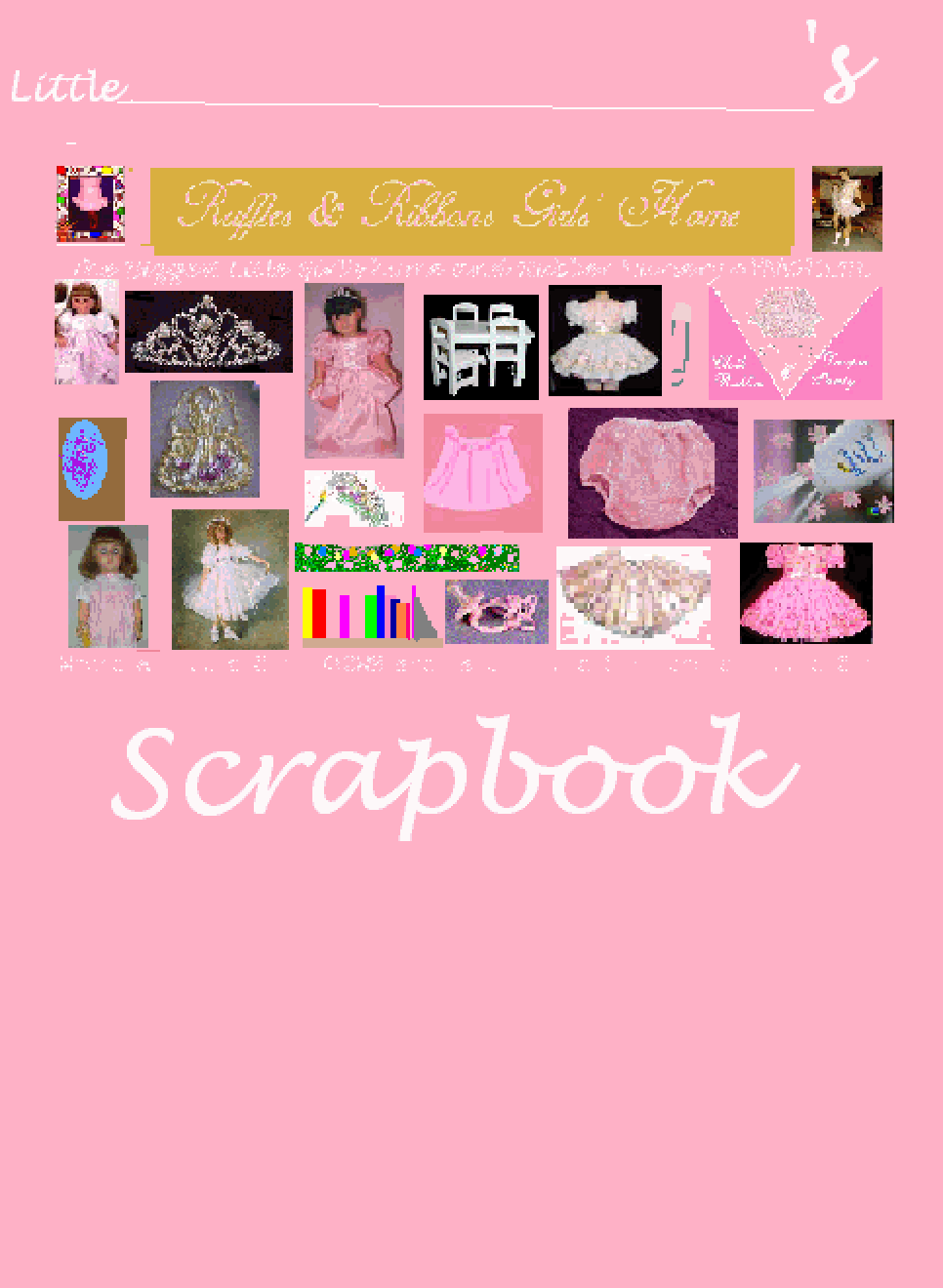
SCRAPBOOK
Everybody loves "scrapbooking". This is the ideal activity for Little Girls, It teaches
them to pay attention to what is around them. and how to arrange things in an orderly
fashion to tell a story.
Well, we at RUFFLES & RIBBONS GIRLS' HOME invite you to make a REAL scrapbook
about our little place. to do this you should have a work folder and then just follow the
guidelines: REMEMBER-what you save from here is to be in the form of bitmaps:
- FiRST, save the scrapbook cover. Later on fill the Little Girl's
first name on the line. If you wish, you may put some kind of design on the empty space
in the lower part of the cover.
- then save one 8-1/2 x 11 inch page by using right-click, Save picture as bmp, save. copy as many
as you will need being sure to give each new one you copy a different name. Or, just copy once and store it then make new onces by calling the picture up and saving it under a new name
- As you go alongh, save the picutres that you see here that you like or think reppresent
your feelings about RUFFLES & RIBBONS GIRLS' HOME to that folder. You can do this each time you come here if there are new pictures that you want. You save p picture by right-cliking on it, clicking on Save as then, in the long box at the bottom selecting bitmap or bmp and then click on the save button.
- You are going to want a small description in your own words for each picture
so plan for that
- begin moving the pictures to the pages and using Paste from, resizing them
using Stretch/skew and putting the descriptions next to or under the pictures Be sure to
leave a left margin of about two inches as you are going to turn them into looseleaf
pages and will have to punch holes in the left margin.
FIND OUT MORE ABOUT SCRAPBOOKING and SUPPLIES
When you have finished You may make either a paper or screen scrapbook or even both since doing on does not rule out doing the other later on
IF YOU WISH TO MAKE A SCRAPBOOK TO DISPLAY ON YOUR SCREEN:
- Create another folder then go back to your work folder.
- Screen scrapbooks offer you the option of using oue of our WALLPAPERS to uses as a page bacground. save as a bitmap and just paste the pictures on it or, if you are clever use it as the background image for an html document.
- Highlight all the pages you have made and Copy them in one operation
- Take them to the new folder and Paste them in
- Call up each one and using Stretch/skew and a setting of , Shrink them down
to a size that fits the screen.
- You may or may not wish to convert them to JPEG's or GIF's to save space or you may leave them as butmaps, depending on how you are going to use them
TO MAKE THE SCRAPBOOK
- Go back to the work folder and, if you have not done so and do not wish to save them, delete the pictures you took from here or move them to another folder, but keep the
pages you made and the cover.
- Print out the pages and cover.
- Get a looseleaf folder and looseleaf punch (called a "3-holer") and punch looseleaf
holds in the left hand margins of the pages It might be a good idea to used the gummed loose-leaf reinforces that strengthen the paper around the looseleaf holdes.
- Attach the cover to the front of the looseleaf folder and put the pages in
And you have a scrapbook.
If you have not done so, convert the items in the second folder to gif's and save them on a floopy if you wish and the
whole thing does not exceed 1 megabyte amd save them.
Whenever you wish, you will be able to add more pages to your scrapbook and trade pages with
friends by simply making copies.
ORGANIZING YOUR SCRAPBOOK
You can organize and add things to your scrapbook such as index tabs to devide the pages up. A couple of such ways are
- By category, such as rubber panty pictures, tiara picutes, then you can separate the sections with index pages or even pocket pages
- By visit, usiing a date sucha s September visits or like that