









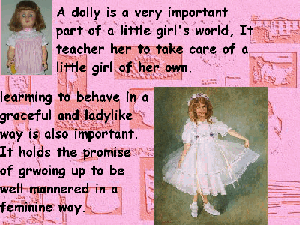
These can be used as Wallpaper, backgrounds or as part of a Theme.
the constraints of bandwidth and image loading do not permit us to use hotlinks. So just take what you want:
To Use
1. Cut the wallllpaper from the folder you saved it to and Paste
it in WINDOWS or its equivalent.
2. Set your Active Desktop to "hide Icons"
if you want just the picture to show
To Display
1. Find a bare spot on the screen and right-click.
2.
Select Active Desktop
3. Select View as Web Page
4.If the screen is
blank, right click
5. Select Prperties
6. When the wallpaper box comes
up, scroll down to the one you want and left click on it. You will also have
some display options in a long bax labelled "display" The normal one just puts
it in the center of the screen,, tiled covers the screen with several images of
what you have chosen and Stretch covers the whole screen with one.
7. if you
like it, Click on Apply and then OK.
You should now have just the wallpaper
you selected to go back to your normal screen, right-click, select nonoe, Apply
and OK. If you do not get your Icons back right click, select Active Desktop and
turn off View as Web Page.
DOLLS,
DOLL BG,TIARAS 1,
TIARAS 1 BG,
RUBBER PANTY COLLAGE,
RUBBER PANTY BG,
TIARAs 2,
TIARAS 2 BG,
POTPURRI,
DO-IT-YOURSELF,
DO-IT-YOURSELF with NAME,
OUR LOGO,
OUR LOGO BG,
POTPURRI 2 BG,
SKIRTS